

Robot Lesson Maintenance: Separate Saved and Fresh Output
2026-11-01
Robot Lesson Maintenance: Separate Saved and Fresh Output
A robot learning notebook shows a result beside a cell, but a learner says the current lesson source would produce something different. Before describing the exercise as broken, the maintainer should establish whether the displayed result was saved in the document or generated during the reported session. This fictional lesson review runs no notebook, connects to no robot and supplies no experimental result.
The document can contain more than current source text
Preserve the notebook as received and identify the cell involved in the question. A screenshot may show code and output together without explaining how they became associated. If only that screenshot is available, state that the original document and session have not been examined. Do not reconstruct a plausible result from the lesson description.
The Jupyter notebook format description includes source, outputs and an execution_count for code cells. This is a concrete reason to distinguish saved document content from a new observation. The presence of a count is not, by itself, proof that the visible output was freshly produced from every cell's current source.
In the imagined report, an instructor receives a notebook revision and a learner's observation. Keep both with their respective sources. If the lesson was edited after output was saved, that relationship needs an actual explanation. It should not be assumed solely because the displayed text seems inconsistent with the code a reviewer expects.
If the lesson is also distributed as an exported web page, retain that representation separately. It can help explain what the learner read, but it should not silently replace the notebook used for the exercise. A document-export difference and a kernel-execution difference require different evidence and may need different maintenance responses.
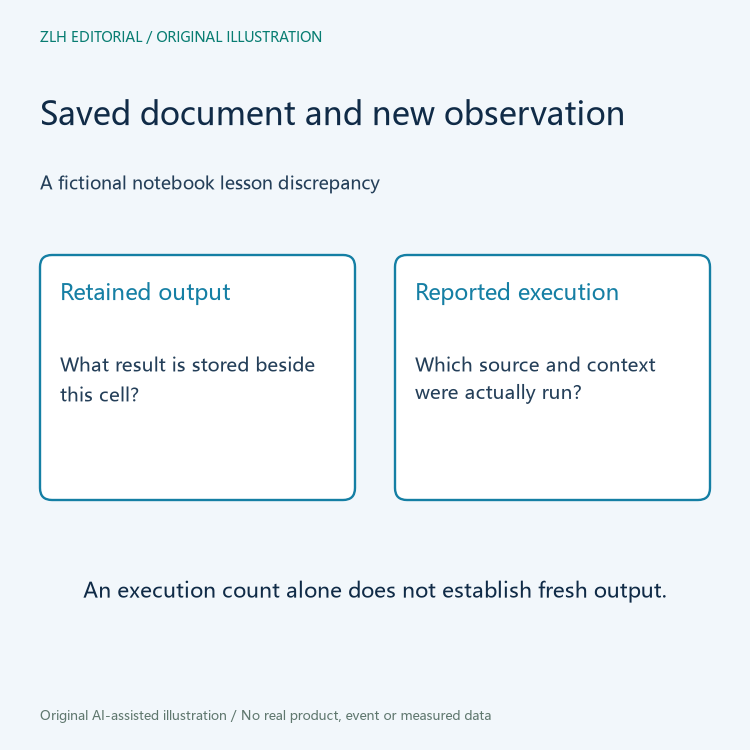
Execution context belongs with any claimed rerun
The NBClient execution documentation describes executing notebook cells and configuring context such as the kernel and execution path. This helps define the evidence needed when someone reports a fresh run. It does not establish that the learner used NBClient, that the environment was known or that a run has occurred in this article.
The responsible instructor can identify which notebook revision, kernel environment and permitted inputs were used for the reported observation. Retain that context with the result. An execution command copied from documentation is a proposed procedure, not a completed experiment. Do not place its expected outcome in a maintenance result field.
Unknown lesson code should not be executed merely to settle a documentation question. Any run belongs in the approved learning environment with appropriate responsibility for the code and inputs. The coordinator can first gather the saved document, the instructor's explanation and the learner's bounded observation without installing software or contacting equipment.
Keep lesson edits separate from regenerated results
Suppose the instructor decides that a saved demonstration output no longer belongs with the revised cell. A maintenance record can identify a documentation change while preserving the original notebook. If the instructor instead arranges an authorized new run, that output should be associated with its actual source and conditions. These are different actions and should not be reported as the same repair.
The lesson's intended teaching purpose also matters. A stored illustrative output may have a role if it is clearly identified, while an exercise asking learners to compare their own run needs a different explanation. The maintainer should obtain that intention rather than invent it. Clarifying the purpose can resolve a misleading presentation without making unsupported claims about the underlying robotics method.
Another notebook with similar code is not automatically a substitute for the affected lesson. Dependencies, inputs and prior session state may need separate review by the responsible instructor. This article does not assert that any of those factors caused the fictional discrepancy. It keeps them as context questions until evidence makes them relevant.

Recheck what the learner is now asked to interpret
An actual follow-up can identify the final lesson document and say whether it presents saved illustration, newly generated output or a task for the learner. Record which cells and relationships were checked. A single clarified cell does not demonstrate that every notebook in the course has consistent outputs or that an entire simulation exercise is reproducible.
The closing note should retain the original concern, the authorized response and any remaining environment or input gaps. If no execution occurred, say that the work was editorial. If a run occurred elsewhere, preserve its actual evidence rather than borrowing results from a tutorial. There are no code cells, fabricated outputs or performance claims in this article.
The original illustrations depict notebook evidence relationships without a real lesson transcript. Further background appears in the robot learning pathways section and the article directory. Distinguishing saved output from a fresh observation gives learners a clearer document and gives maintainers a record they can continue to investigate.


